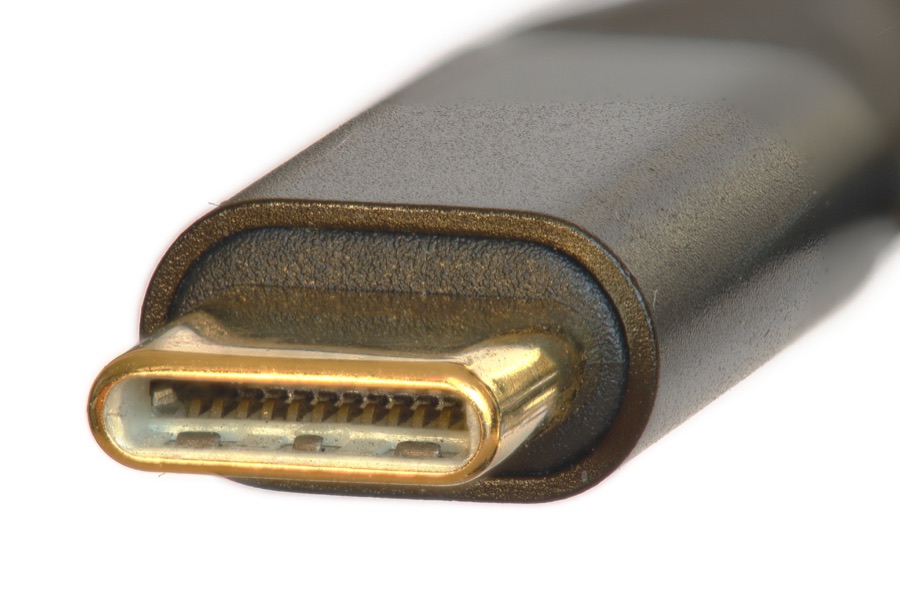
USB-C
Symmetrical opening, often on newer phones, tablets, laptops, and chargers.
Free cable identifier
Upload the connector end. Get a cautious likely match and the visible clues behind it.
Face the contacts toward the camera.
Wikimedia source · Tomato86 · CC BY-SA 4.0
Connector clues
Shell shape, contacts, and latches are more reliable clues than cable color or thickness.
Symmetrical opening, often on newer phones, tablets, laptops, and chargers.
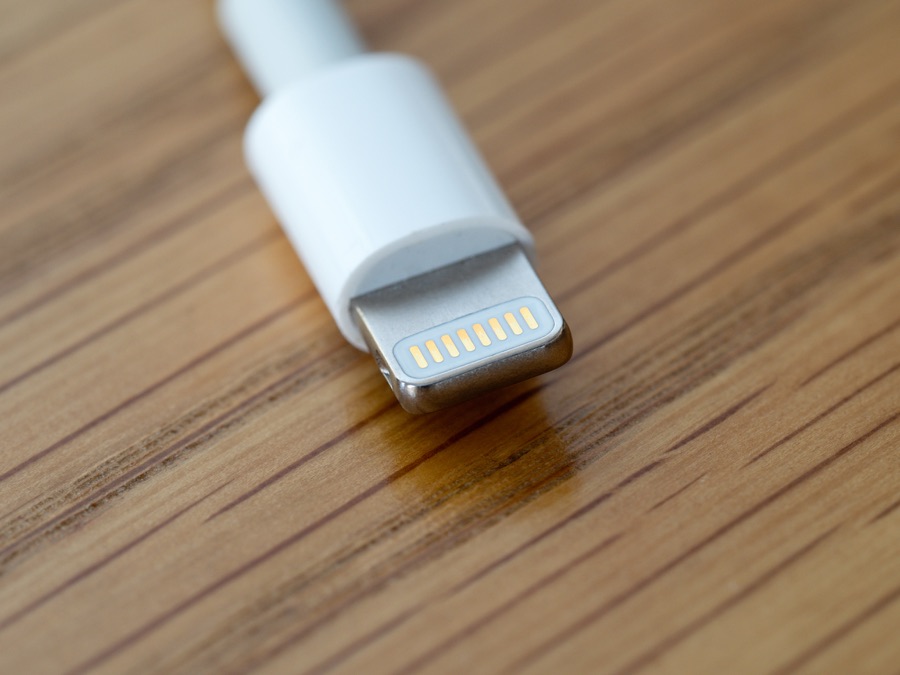
Metal blade instead of a hollow port shape, common on older iPhones and AirPods cases.
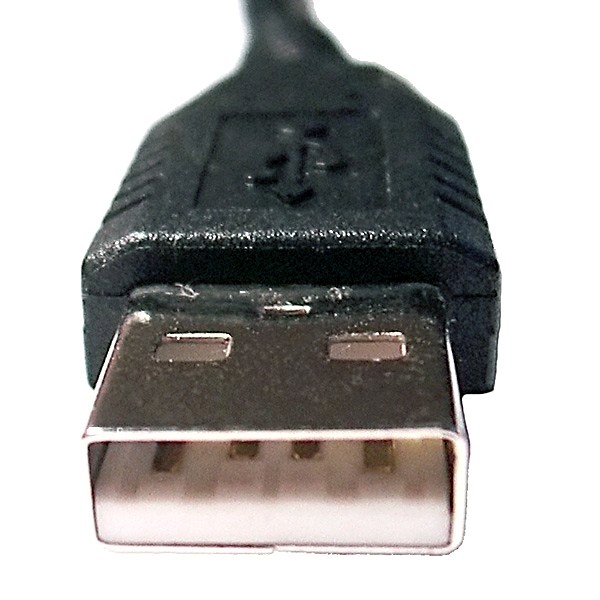
Large rectangle with a plastic tongue inside.
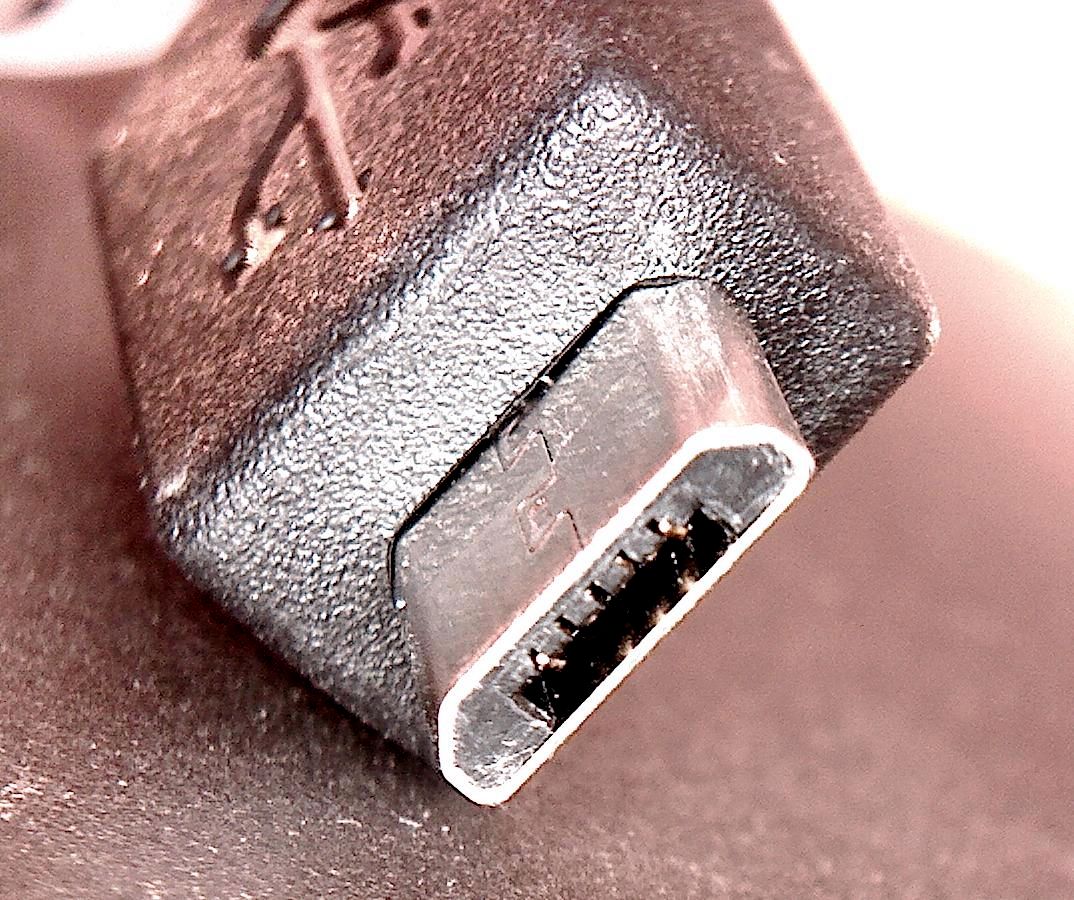
Asymmetric tiny connector, often on older accessories and battery packs.
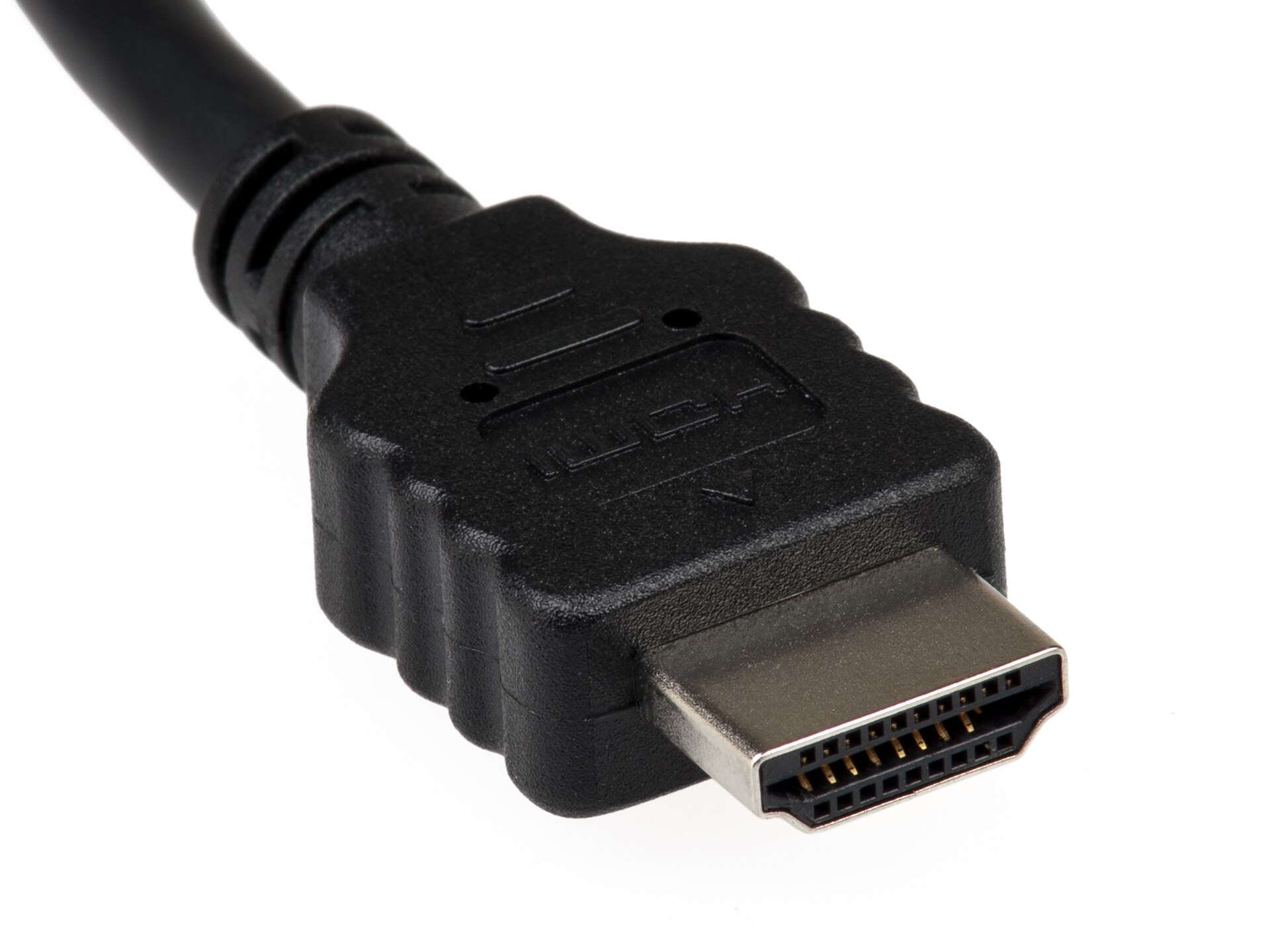
Thicker video cable, often near TVs, monitors, cameras, consoles, and docks.
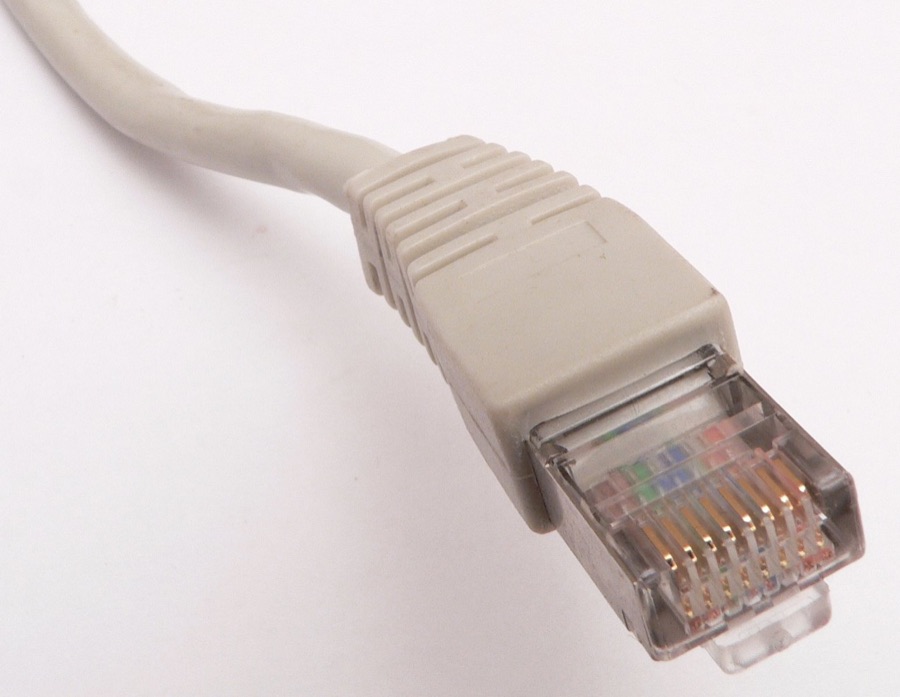
Clip tab and gold contact lines, often on router or desk networking cables.
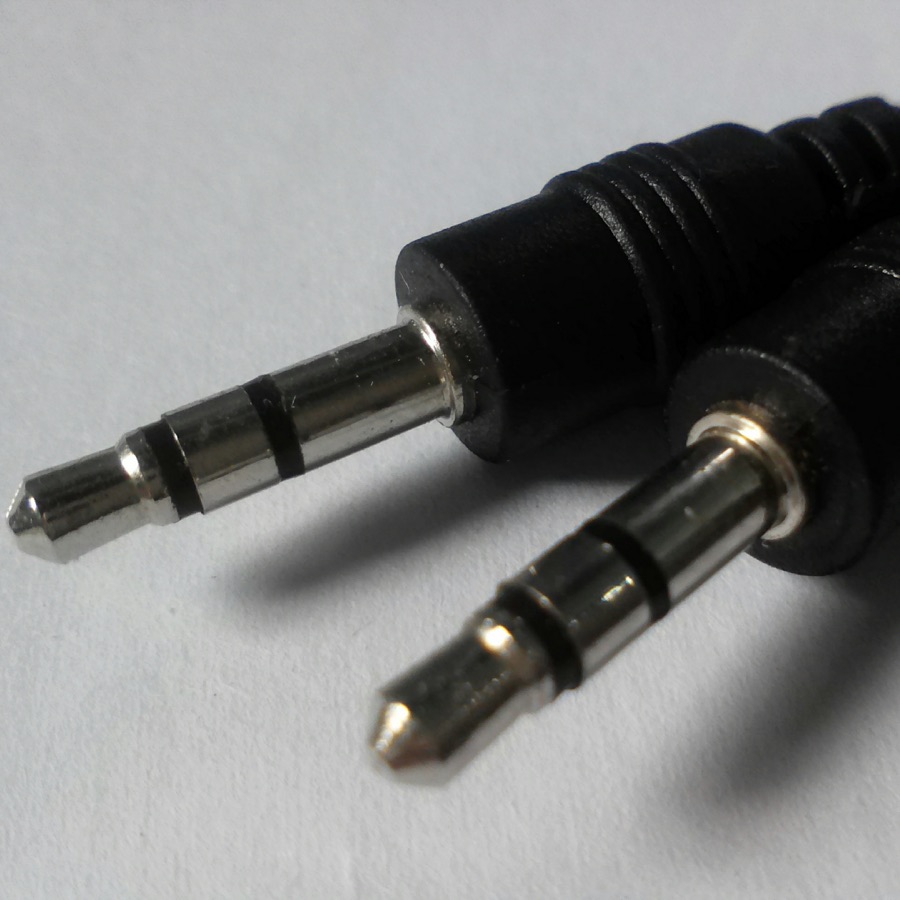
Cylindrical tip rather than a flat or hollow connector.
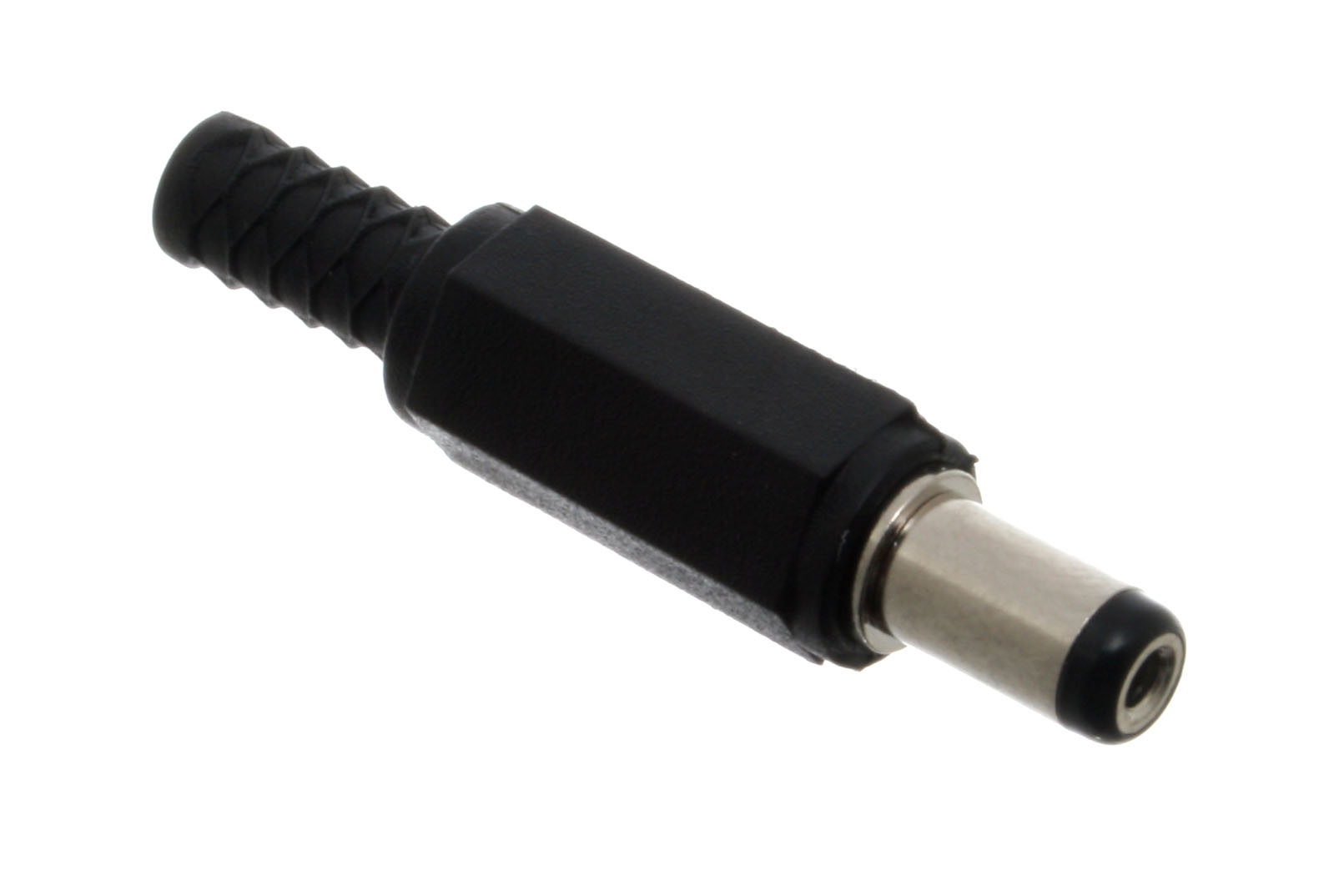
Thicker low-voltage power cable for routers, LED strips, speakers, or small devices.
Appearance can suggest a connector family. Printed labels and device specifications decide electrical compatibility.
Keep the right cable easy to find
Cloop's reusable magnetic ties keep daily chargers and thick cables separated without another disposable zip tie.
Photo privacy
The identifier sends a selected photo to our AI service only when you press the analysis button. Cloop does not save it after the check. For safety, crop out labels, screens, addresses, and anything unrelated to the connector.
Start with the connector shape and then confirm with visible contacts, latch tabs, ring count, cable thickness, and device context. USB-C is a small rounded oval, Lightning is a flat Apple blade, HDMI is a wide trapezoid, Ethernet has a latch, 3.5 mm audio is a round plug with rings, and barrel power is a round coaxial plug.
Use a close, well-lit photo of the connector end. If the cable has two different ends, photograph both ends or include the device context next to the plug.
No. It estimates a likely connector family from visible shape, contacts, cable body, and context. A photo cannot prove exact speed, wattage, voltage, polarity, or device compatibility, and blurry or proprietary connectors may need a manual check.
The tool sends the selected image only when you press Identify cable, and it does not ask for an email or account. Avoid uploading photos that show private labels, screens, addresses, or documents.
Photograph the other end, check the device port and printed markings, and compare the plug with a trusted reference. If you keep several similar cables, label them so the identification remains useful.
Reviewed October 2026